


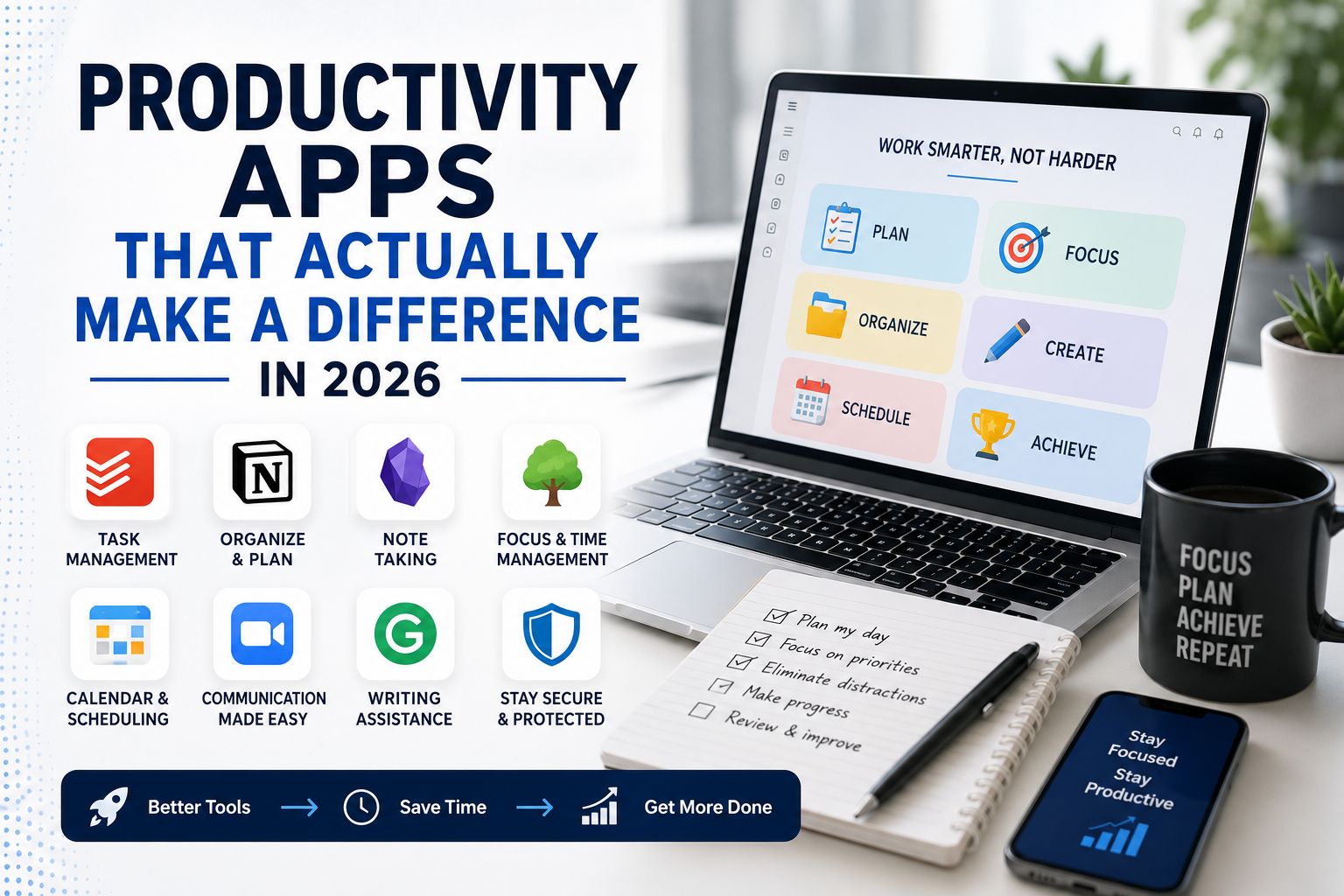
I have a colleague who has tried every productivity app that has ever been recommended to him. He has a task manager, a habit tracker, a focus timer, a note taking app, a calendar app, a separate app for meeting notes, and a journaling app for end of day reflection. He spends more time managing his productivity system than most people spend doing actual work.
This is the productivity app trap. The idea that the right combination of tools will fix an attention or motivation problem that is really a habits and priorities problem. Apps can genuinely help with specific things. They cannot substitute for the discipline of actually sitting down and doing work. Understanding that distinction before choosing any app saves a lot of time and a lot of subscription fees.
These are the apps that hold up under honest evaluation in 2026, what they are actually good for, and where they fall short.
Task Management: The Foundation That Actually Matters
The task management category is the most saturated in productivity software and also the one where most people make the most consequential mistakes. The mistake is not choosing the wrong app. It is choosing an app that is more complicated than their actual needs require and then spending more energy maintaining the system than completing the tasks in it.
Todoist remains the most reliable recommendation for most people who want a capable task manager without a steep learning curve. Projects, due dates, priority levels, recurring tasks, and a natural language input that understands things like every Monday at 9am without requiring you to navigate multiple menus. The free tier covers individual use completely. The paid tier adds features like reminders and productivity statistics that are genuinely useful rather than decorative.
The thing Todoist does particularly well is staying out of your way. You add a task, give it a date if it has one, and move on. The app surfaces what needs to happen today without requiring you to spend time organizing and reorganizing a system.
Notion sits at the other end of the complexity spectrum. It is a workspace rather than a task manager, capable of handling notes, databases, project tracking, wikis, and anything else you want to build inside it. For teams managing complex projects with multiple contributors and interconnected pieces of information, it is genuinely powerful. For an individual wanting to track their to-do list it is considerably more than necessary and the setup time required to configure it usefully is substantial.
The honest advice on task management apps is to use the simplest one that covers your actual needs rather than the most feature-rich one available. The value comes from using a system consistently, not from the sophistication of the system itself.
Note Taking: Where Most People Are Leaving Value Behind
Note taking apps have become considerably more capable in the last two years and the gap between people who use them well and people who use them as a slightly fancier place to paste text has widened accordingly.
Obsidian is the note taking app that has developed the most devoted following among people who take notes seriously, and the reason is the linking system. Every note can link to every other note and the app builds a visual graph of how your notes connect to each other. Over time this becomes a genuine thinking tool rather than just a storage system. Ideas you recorded months apart start showing up as related. Connections between topics emerge that you would not have found by browsing folders.
The learning curve is real. Obsidian rewards the people who invest time in understanding how to use it and produces less value for people who open it, create a few notes, and close it again. If you take notes regularly across multiple topics and find yourself wishing you could connect things you have written at different times, Obsidian is worth the investment of learning it properly.
Apple Notes deserves a specific mention as the most underrated note taking tool available to anyone using an Apple device. It syncs instantly across all devices, handles text, images, drawings, scans, and links, has a genuinely useful search function, and costs nothing. For people who want notes to be available everywhere and searchable without managing a separate app subscription, Apple Notes does the job more reliably than most alternatives.
Focus and Time Management: What the Evidence Actually Supports
The focus app category is full of timers, blockers, and ambient sound generators promising to transform concentration. The evidence behind specific interventions is thinner than the marketing suggests, with one exception.
The Pomodoro technique, working in focused intervals of roughly 25 minutes followed by a short break, has a reasonable evidence base for improving sustained concentration and reducing the mental fatigue that accumulates across a long work session. Any app that implements this timer works equally well for this purpose. Forest does it with a visual gamification element where a virtual tree grows during your focus session and dies if you leave the app, which some people find genuinely motivating and others find entirely unnecessary. Focus Flow and simple phone timers do the same thing without the visual element.
Website and app blockers have more mixed evidence. They work well for people whose attention problems are primarily caused by specific distracting sites and work less well for people whose attention problems are more generalized. Cold Turkey on desktop and Freedom across devices are the most comprehensive options for people who want to remove specific distractions during focus periods. The honest caveat is that a determined person who wants to avoid work will find a way to avoid work regardless of what apps are blocking, and an app blocker treats a symptom rather than a cause.
Calendar and Scheduling: The Underappreciated Category
Most people use their calendar as a record of appointments rather than as a genuine planning tool and the difference in how those two uses feel day to day is significant.
Fantastical is the calendar app that most consistently converts people who use the built-in calendar into people who actually enjoy managing their schedule. Natural language input, beautiful visual layout, integration with task managers, and a weekly planning view that makes it easy to see where your time is actually going rather than just where your meetings are. The subscription cost is the main hesitation and it is genuinely worth trying the free trial across a full working week before deciding.
Calendly solves a specific and extremely common productivity drain: the back and forth of scheduling meetings. You share a link, the other person picks a time that works from your available slots, the meeting appears in both calendars. The ten or fifteen minutes per meeting that used to go to scheduling emails disappears entirely. For anyone who schedules meetings regularly with people outside their organization this is one of the highest return productivity investments available.
For anyone trying to figure out which scheduling and calendar tools are genuinely worth paying for versus which ones just look good in app store screenshots, keeping up with the latest tech tools helps cut through the marketing and focus on what is actually being used and recommended by people doing real work.
Writing and Communication: Apps That Remove Friction
Grammarly sits in almost every professional’s browser at this point and the reason is that it catches the kind of errors that spellcheck misses, the wrong word used correctly spelled, awkward sentence structures, unclear phrasing, and the tone mismatches that are easy to miss when you wrote something quickly and know what you meant to say.
The free version catches basic errors. The paid version adds suggestions around clarity, engagement, and tone that are genuinely useful for people who write a lot professionally. Whether the paid tier is worth it depends almost entirely on how much writing you do and whether the quality of that writing has professional consequences.
Loom solves a specific communication problem that becomes more pronounced in remote work environments. Sometimes a short video explaining something is faster to create and easier to understand than a written explanation of the same thing. Loom records your screen and face simultaneously, produces a shareable link immediately, and allows the recipient to watch at their own pace rather than requiring a synchronous meeting. For technical explanations, walkthroughs of documents, and anything that benefits from seeing what you are seeing while you talk about it, Loom reduces the meeting load meaningfully.
The Apps That Are Overhyped Right Now
Honest coverage of productivity apps includes naming the ones that generate more excitement than they deliver.
AI writing assistants integrated into productivity apps are almost universally less useful than they appear in demo videos. The output they produce is recognizable as AI-generated and requires more editing than most people expect, particularly for anything where your specific voice or knowledge matters. They work reasonably well for first drafts of formulaic content and significantly less well for anything that requires genuine thinking.
Habit tracking apps produce strong initial engagement that tends to decline after the first month. The daily streak mechanic that makes them compelling to use also makes a single missed day feel like a failure rather than a normal part of building a habit, which for many people produces an all-or-nothing dynamic that undermines the behavior change they were trying to support.
For a broader look at what is actually worth your attention in tech versus what is generating hype without proportionate value, it helps to follow coverage that is willing to say when something is not as good as the launch coverage suggested.
The Honest Framework for Choosing
Before downloading any productivity app it is worth answering two questions honestly. What specific friction am I trying to remove? And what is the simplest tool that removes that specific friction?
The apps that earn their place consistently are the ones that remove a specific recurring problem from your workflow without requiring significant setup, ongoing maintenance, or behavior change beyond the specific thing they are fixing. The apps that disappoint are almost always the ones that promise a general transformation in how productive you are rather than solving a specific problem you actually have.
Start with one. Use it long enough to know whether it is actually changing anything. Then decide whether another tool is genuinely needed or whether adding complexity to a system that is working is just a different form of procrastination.
